Carte PCI Express USB 3.0 5Gbps 7 Ports, FARBOKO Carte d'extension PCIe USB Interne für Desktop PC Windows
Aperçu du produit
Marque: FARBOKO
Interface matérielle: USB 3.0
Dimensions du produit: 12L x 7,2l x 1,8H centimètres
Style: Moderne
Appareils compatibles: Ordinateur personnel
Nombre d'articles: 1
Nombre d’emballages: 1
Fabricant: FARBOKO
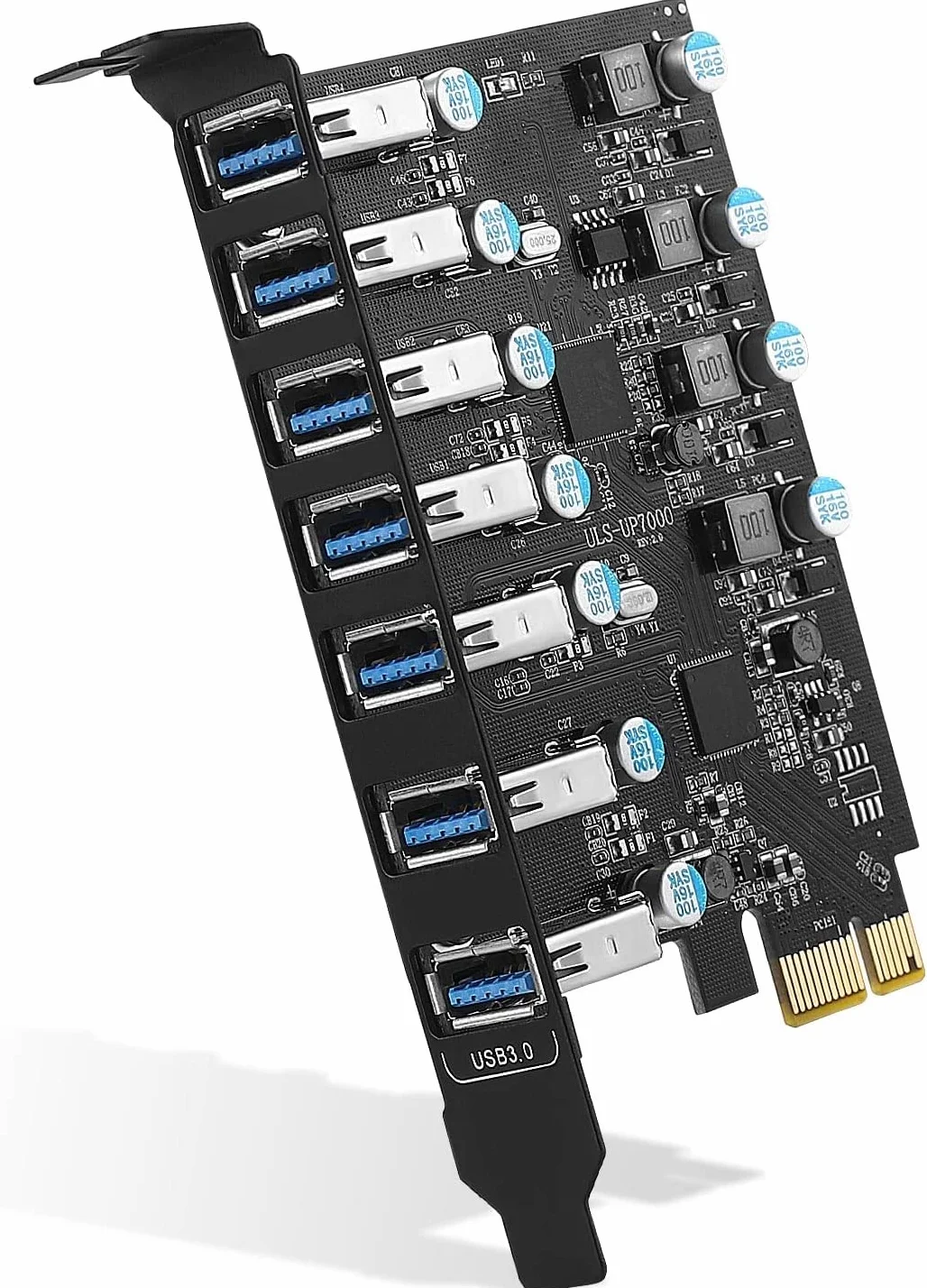
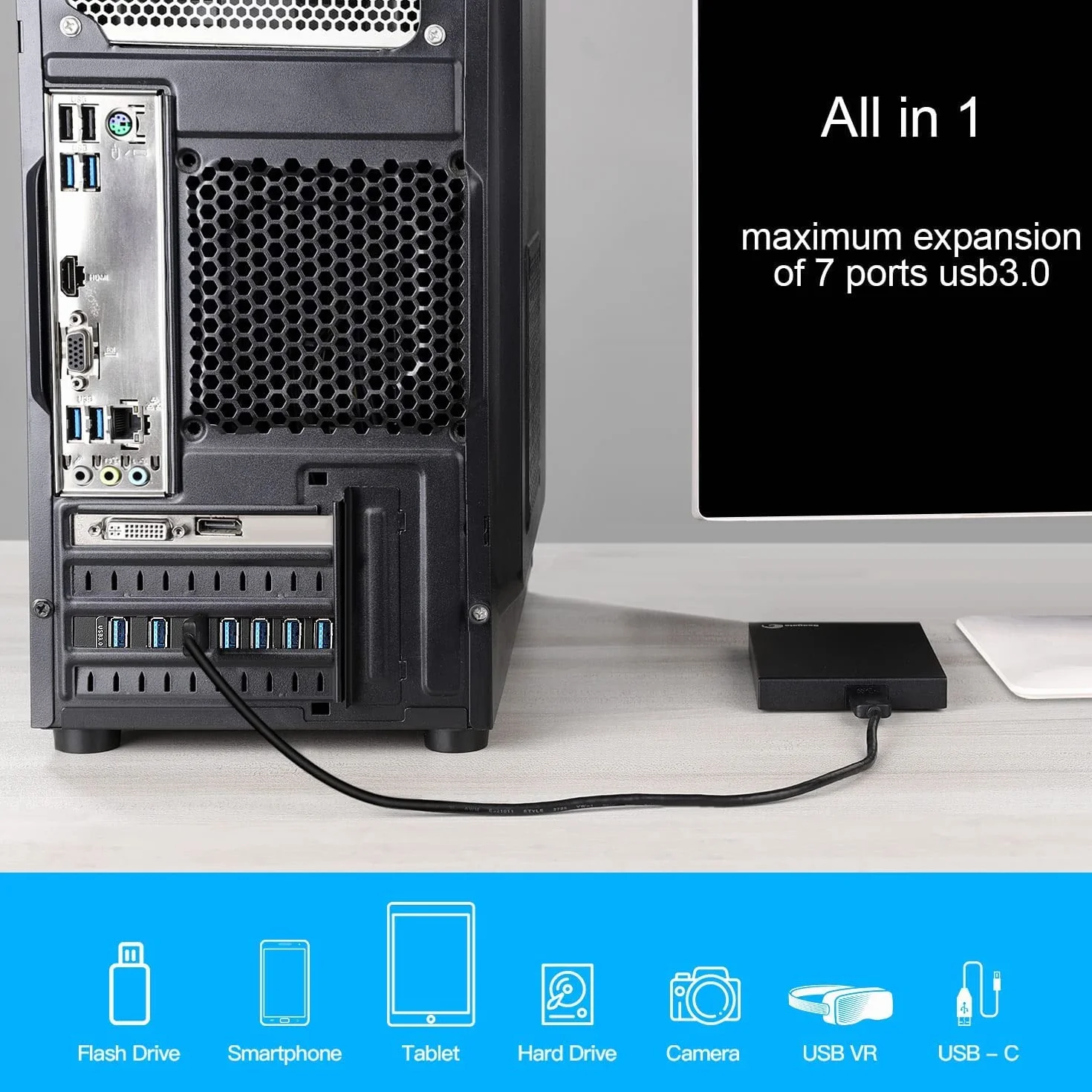
- 7 X PORTS USB-A : Ajoute 7 ports de type A pour les PC de bureau ne disposant pas de suffisamment de ports USB. Remarque : cette carte ne prend pas en charge la charge PD
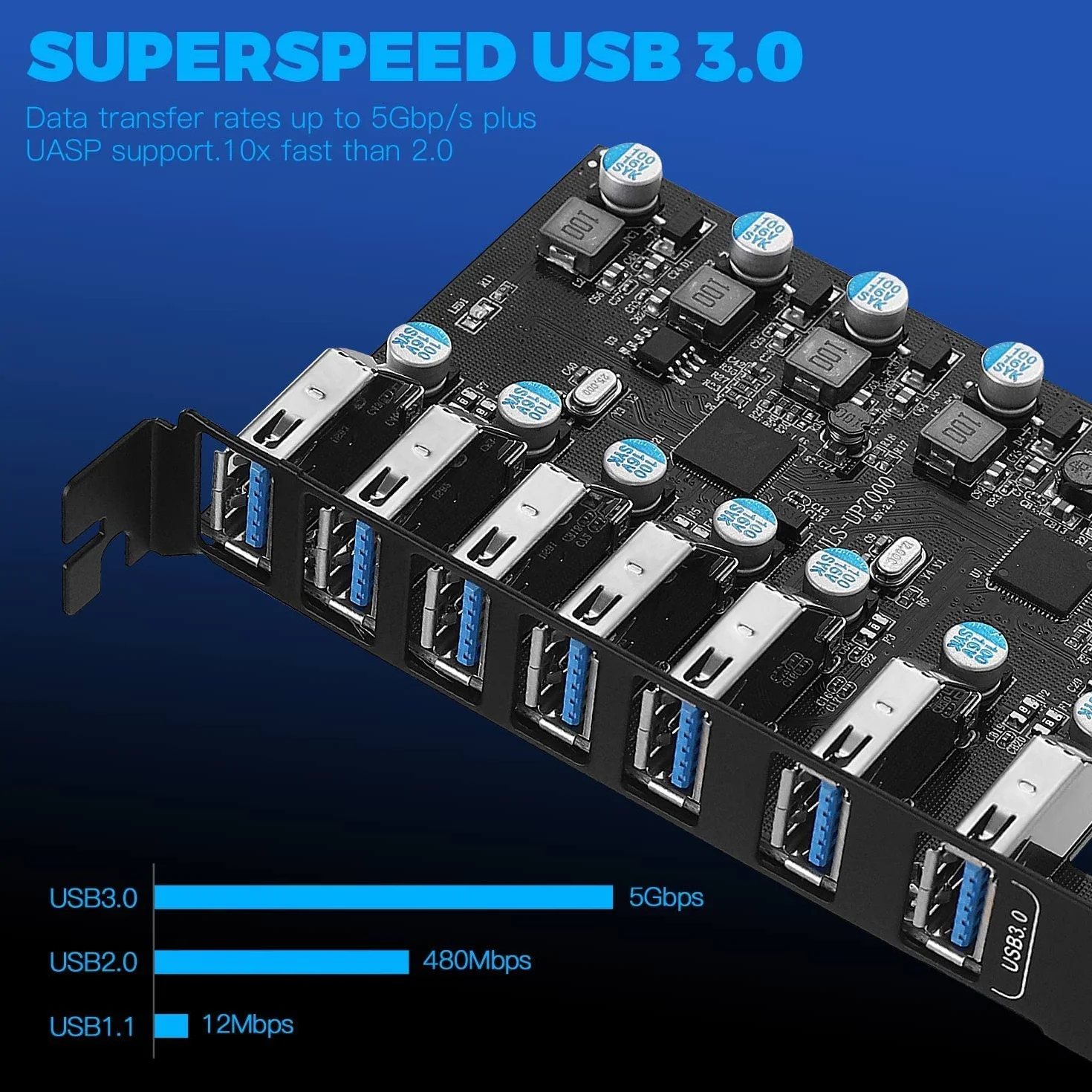
- Taux de transfert de 5 Gbps : le taux de transfert de la carte PCie USB 3.0 jusqu'à 5 Gbps permet un transfert stable de la musique, des photos et des fichiers de données volumineux à des vitesses extrêmement rapides
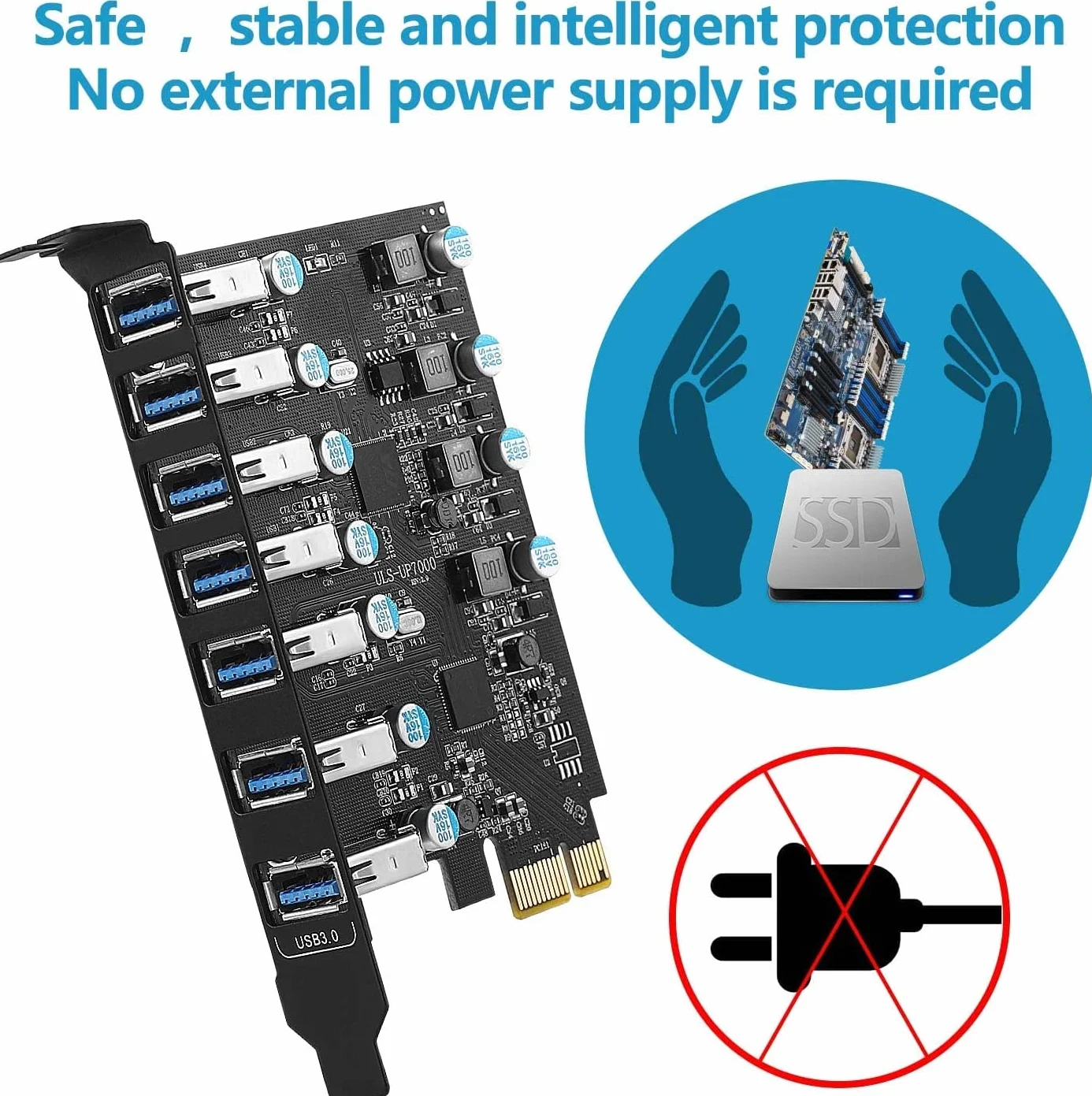
- AUCUN CORDON D'ALIMENTATION SUPPLÉMENTAIRE N'EST NÉCESSAIRE : La carte Pcie utilise une technologie auto-alimentée, il n'est pas nécessaire de brancher une alimentation supplémentaire
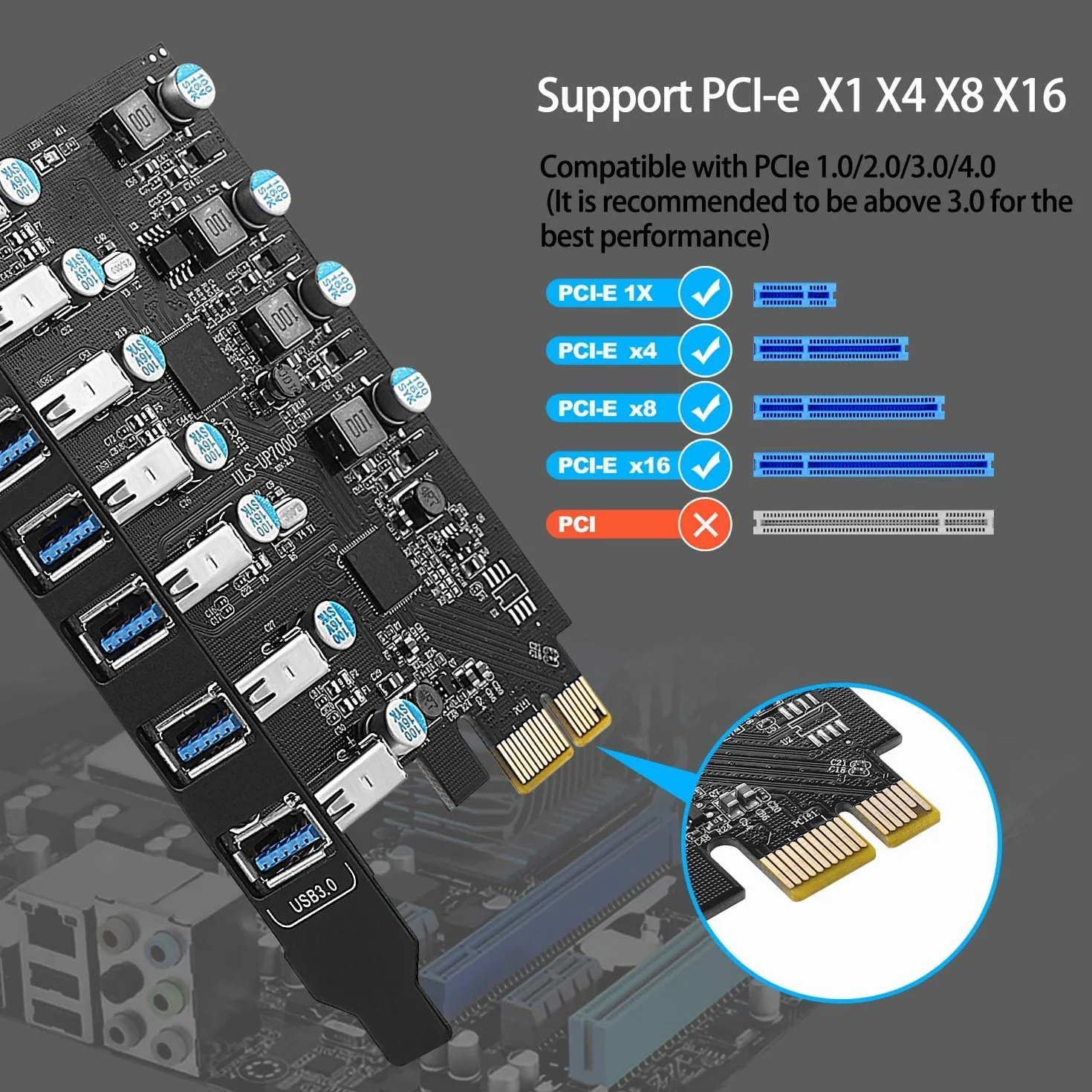
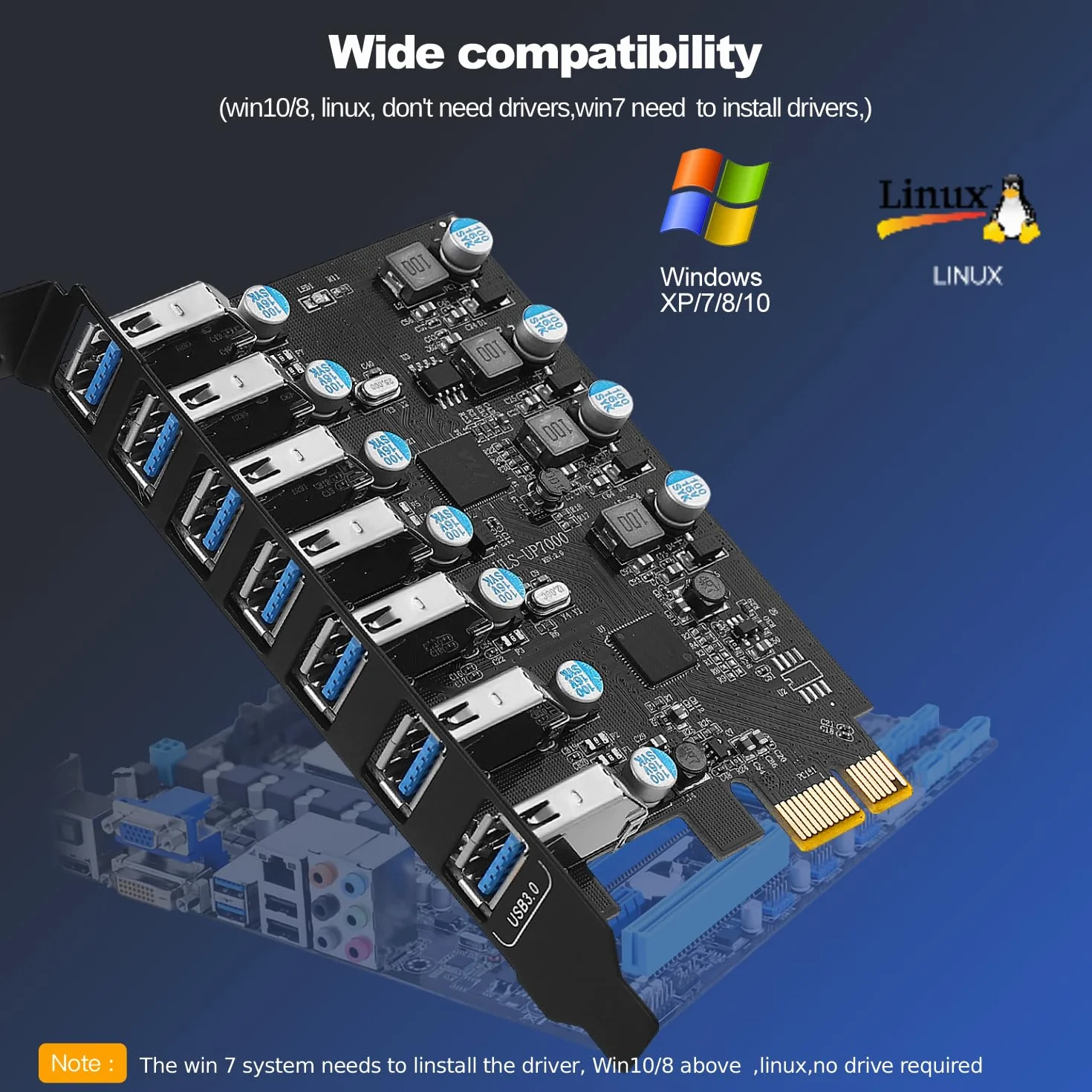
- COMPATIBLE : Le système d'exploitation prend en charge Windows 7/8/10 et plus. Remarque : Windows 10 ou supérieur ne nécessitent pas l'installation d'un pilote
- FACILE À INSTALLER : 1. éteindre l'ordinateur ; 2. retirer le couvercle latéral du boîtier de l'ordinateur ; 3. insérer la carte USB dans la prise PIC-E et serrer les vis ; 4. refermer le couvercle latéral