EVanlak HDMI Dvi Vga Dummy Plug Headless Ghost Display Emulator Premium Aluminum PC(Fit Headless-3840x2160@60H New 3RD)
Aperçu du produit
Appareils compatibles: Moniteur
Usages spécifiques pour le produit: Mining de crypto-monnaie, BOINC travail crunching, traitement sans tête, vidéo 4K UHD via service VNCVoir plus
Type de connecteur: HDMI
Couleur: 4k-3P
Dimensions de l'article L x l x H: 25 x 20 x 8 millimètres
Marque: EVanlak
Type de finition: aluminium
Nombre de ports: 1
Quantité d'articles dans le colis: 1
Type de prise d'alimentation: Aucune prise
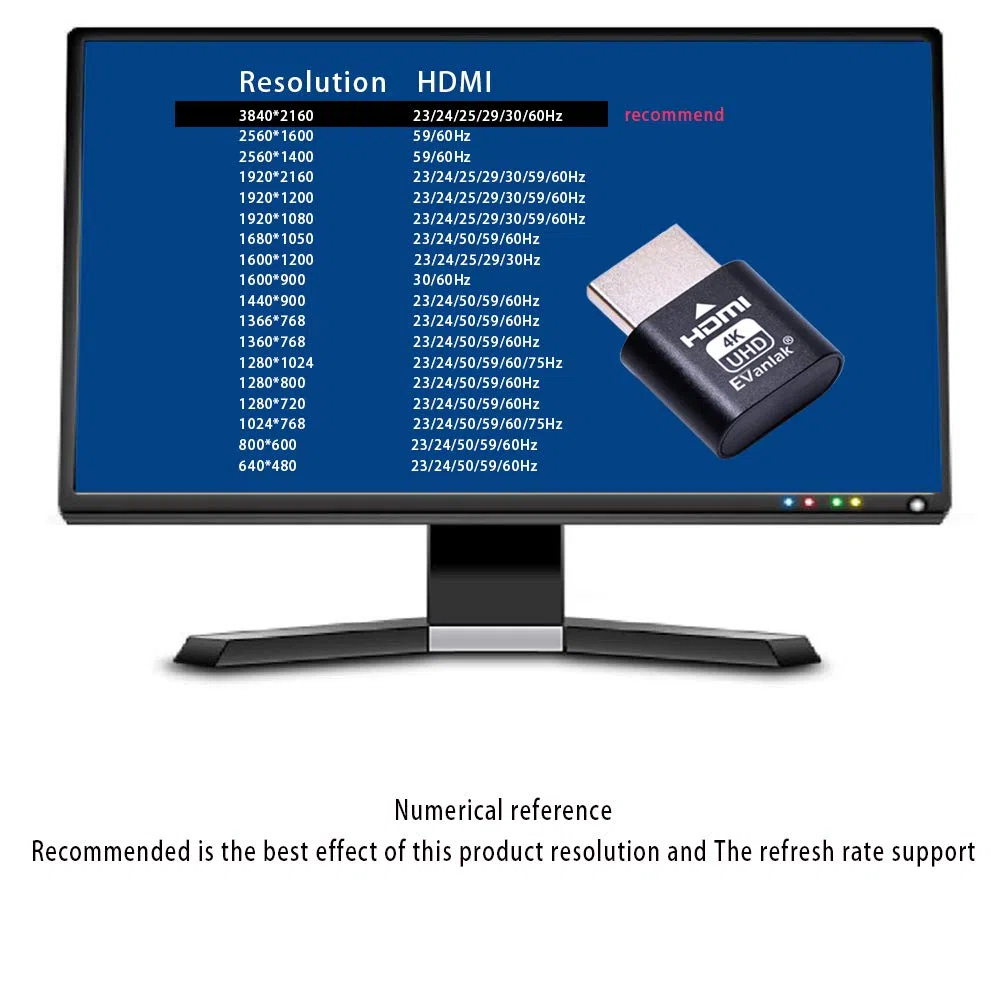
- create a virtual second screen which does not actually exist. use dummy display so that can "cast" the second (virtual) screen to a chromecast device Works on remote computers without local monitor3840x2160@60H
- HDMI emulator plugstricks the GPU into thinking there is a monitor attached to allowing HBCC to stay active Sometime HBCC will disable if SSH into your mining rig will prevent that from happening. Not sure how much HBCC has a factor on other cards OSX utility Display Menu makes changing resolutions easy
- HDMI plug would be useful for situations where you don't have another HDMI cord to connect to the card and want to use that GPU for something like cryptocurrency mining or BOINC work unit crunching
- Ghost Adapters works MD graphics card "detected" that a monitor was plugged in. real test was connecting with TeamViewer and AnyDesk,Great for headless RaspberryPi. Tricks VNC display so full resolution. Easier than software solutions and stable
- hdmi monitor connection is a great way to run a computer headless and get 3840x2160@60Hz video via a VNC service, no need to download any software or configure the unraid server just plug in adjust resolution and connect .Works great as intended. Gives desktop a screen so it can remote into it without having a monitor constantly attached and on.